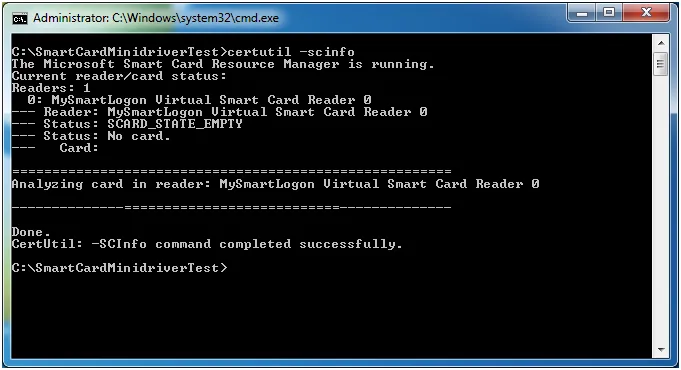
Check if a smart card minidriver or CSP is installed
The diagnostic command
To check if Windows has a minidriver or CSP for a smart card, insert the card and run:
certutil -scinfo
Positive result: driver found
When Windows has a minidriver or CSP for the card, the Card field shows the card name.
Note: "Missing stored keyset" is expected on an empty card: it has no key pair or certificate yet.
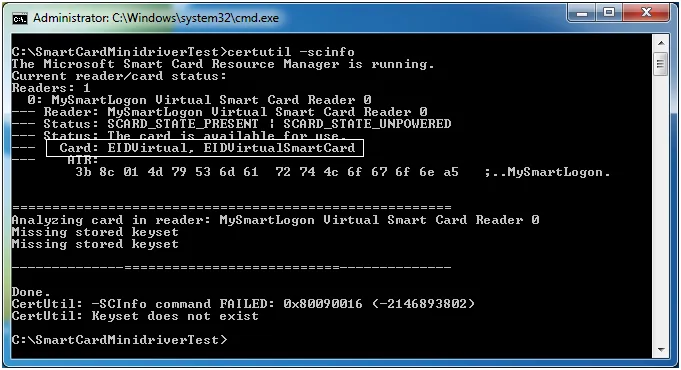
certutil -scinfo: driver found, Card field filled in
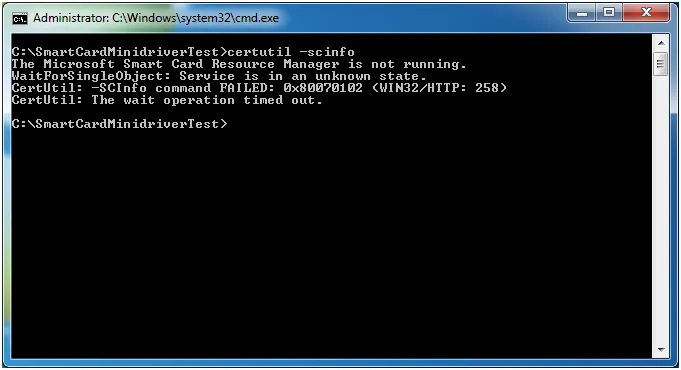
Negative results: no driver and other errors
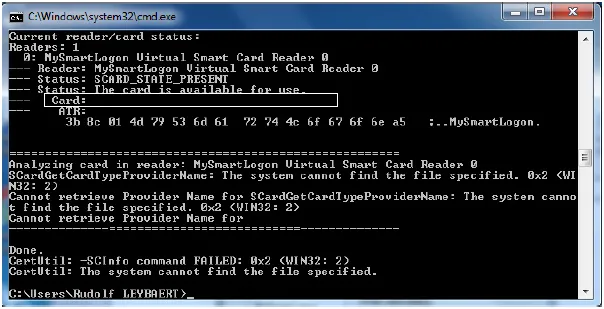
No driver: the Card field is empty
When the card has no minidriver or CSP, the Card field is empty:
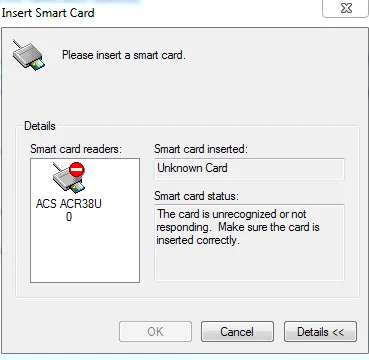
Applications that need a smart card can also show this dialog:
Smart card service not running
No smart card in reader