Smart card · Free JavaCard applet
GIDS Smart Card
Turn a low-cost JavaCard into a PKI smart card that Windows reads and writes with its own driver — and that Linux and macOS use through OpenSC.
Free and open source · GIDS Applet 1.3 · Initialization Tool 2.0
The Generic Identity Device Specification (GIDS) is a smart card standard defined by Microsoft. Its driver ships with every Windows since Windows 7 SP1, and unlike the PIV driver, it is a read and write driver: Windows itself generates keys on the card, writes certificates, changes and unblocks the PIN. Nothing to install on the computers.
GIDS Applet is a free, open-source JavaCard applet that implements this specification. Load it on any compatible JavaCard, initialize the card once, and it becomes a PKI smart card for Windows logon, certificates, signature and encryption — and, through OpenSC, for Linux and macOS.
No vendor card, no vendor driver: a JavaCard of a few euros and free tools.
- GlobalPlatformPro lists what the card holds
- Erase: deleting the applet erases its keys and PIN
- Install GIDS Applet
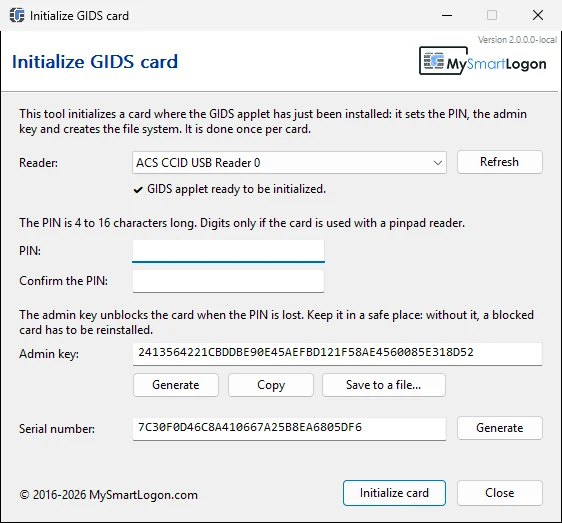
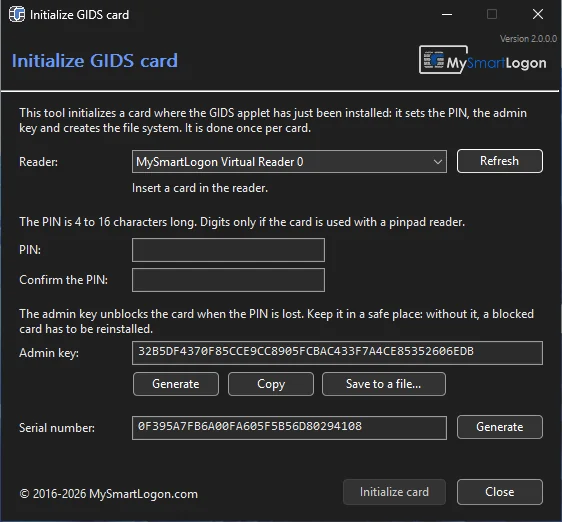
- Initialize: PIN, admin key, file system
- The card is ready for Windows, Linux and macOS
A real JavaCard with GIDS Applet, on Windows 11 with no driver installed:
- Initialize the card with the GIDS Initialization Tool and keep the admin key
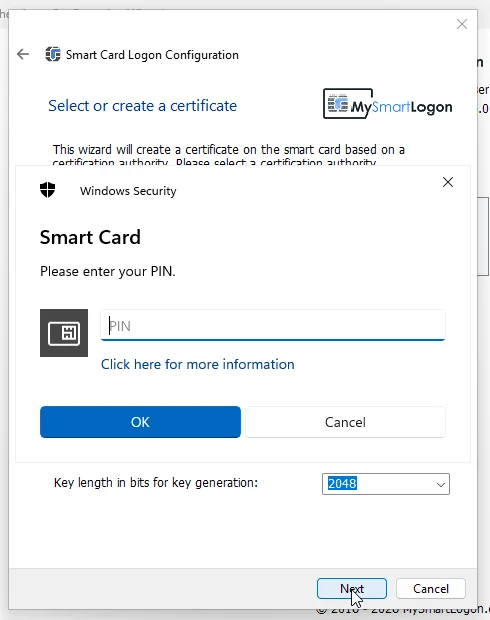
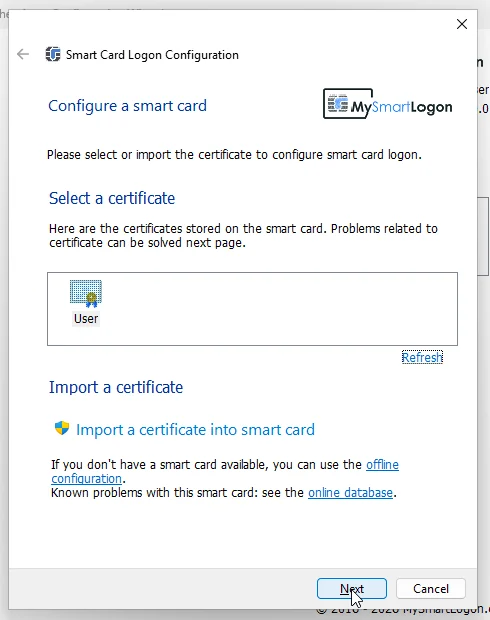
- Windows generates an RSA 2048 key on the card and writes the certificate
- The certificate is checked and tested with the PIN
- Lock the session and sign in with the card
- Change the PIN with Ctrl+Alt+Del
Local account logon by EIDAuthenticate; domain accounts use the logon built into Active Directory.
The user enrolls the card alone, with the Windows tools:
certmgr.msc› Request New Certificate- Pick the Smartcard Logon template
- Type the PIN: the key is generated on the card
- Lock the session and sign in to the domain with the card
No middleware on the workstations, no card management system: the domain CA and the driver built into Windows. Step by step.
Windows ships two generic smart card drivers: PIV and GIDS. Both work without installation, but only GIDS lets Windows write to the card. A PIV card has to be provisioned with the vendor's tools; a GIDS card is provisioned by Windows itself.
| GIDS card | PIV card, Windows driver | Card with a vendor minidriver | |
|---|---|---|---|
| Driver on Windows | Built in | Built in | To install on every computer |
| Use certificates (logon, signature) | Yes | Yes | Yes |
| Generate a key, enroll, import a PFX from Windows | Yes | No — read-only driver | Yes |
| Change the PIN with Ctrl+Alt+Del | Yes | Yes | Depends on the vendor |
| Unblock the PIN from Windows | Yes, challenge/response with the admin key | No — PUK with vendor tools | Depends on the vendor |
| Linux and macOS | OpenSC | OpenSC | Vendor PKCS#11 library |
| Card | Any JavaCard 2.2.1+, free applet | PIV card or applet | The vendor's card |
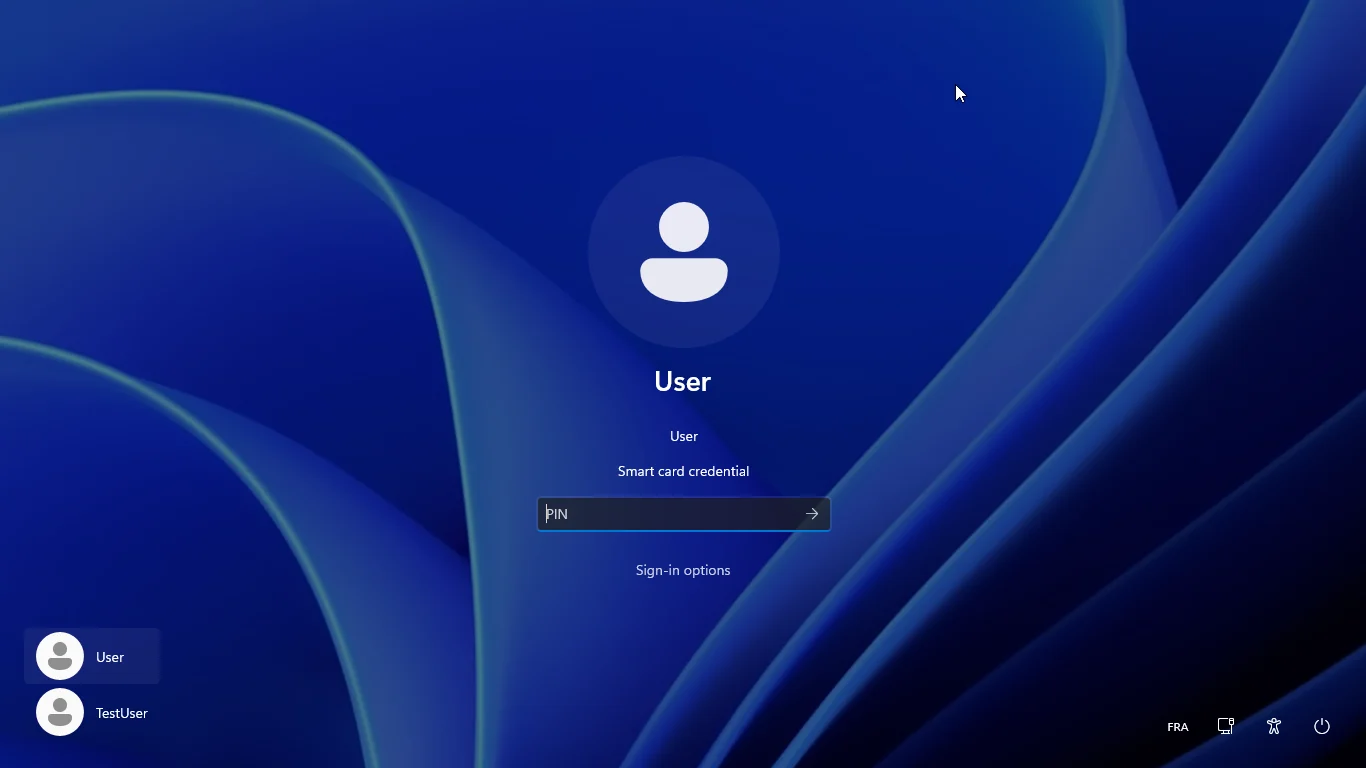
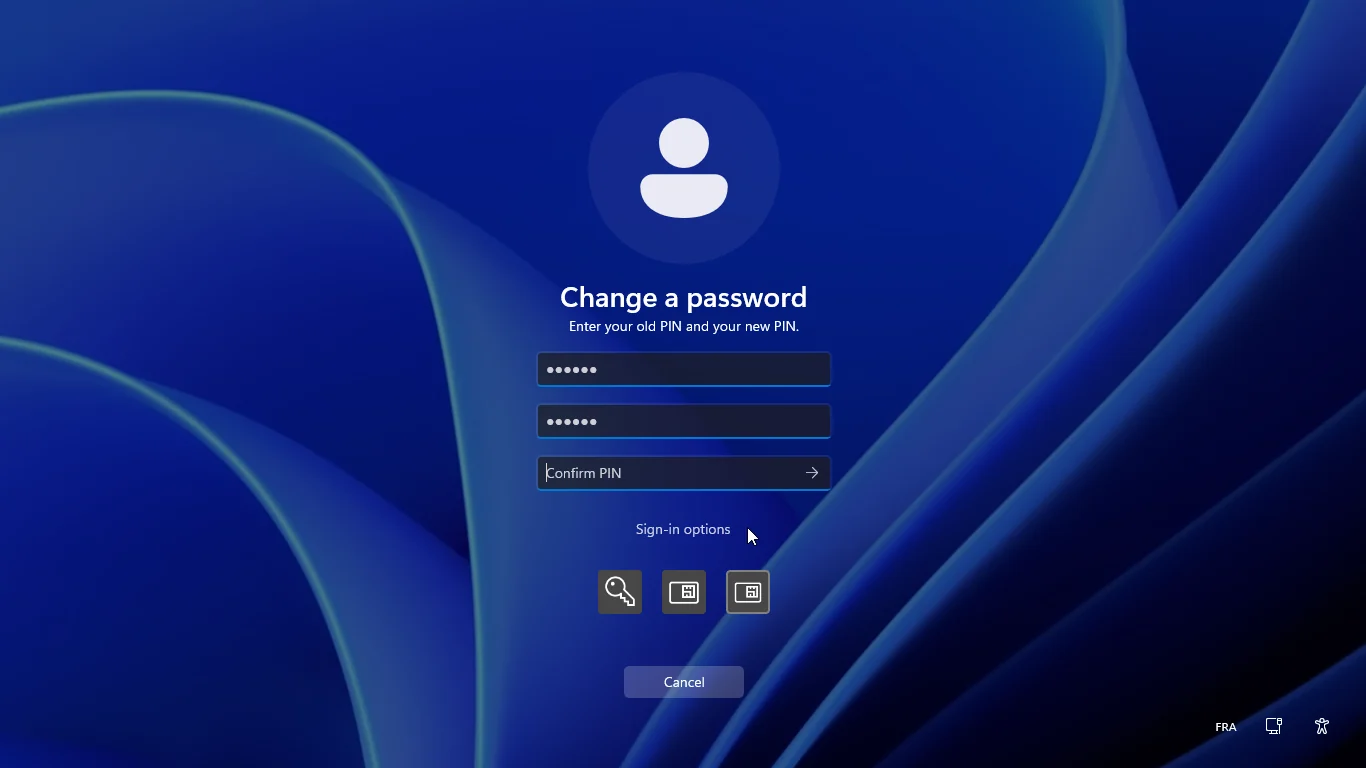
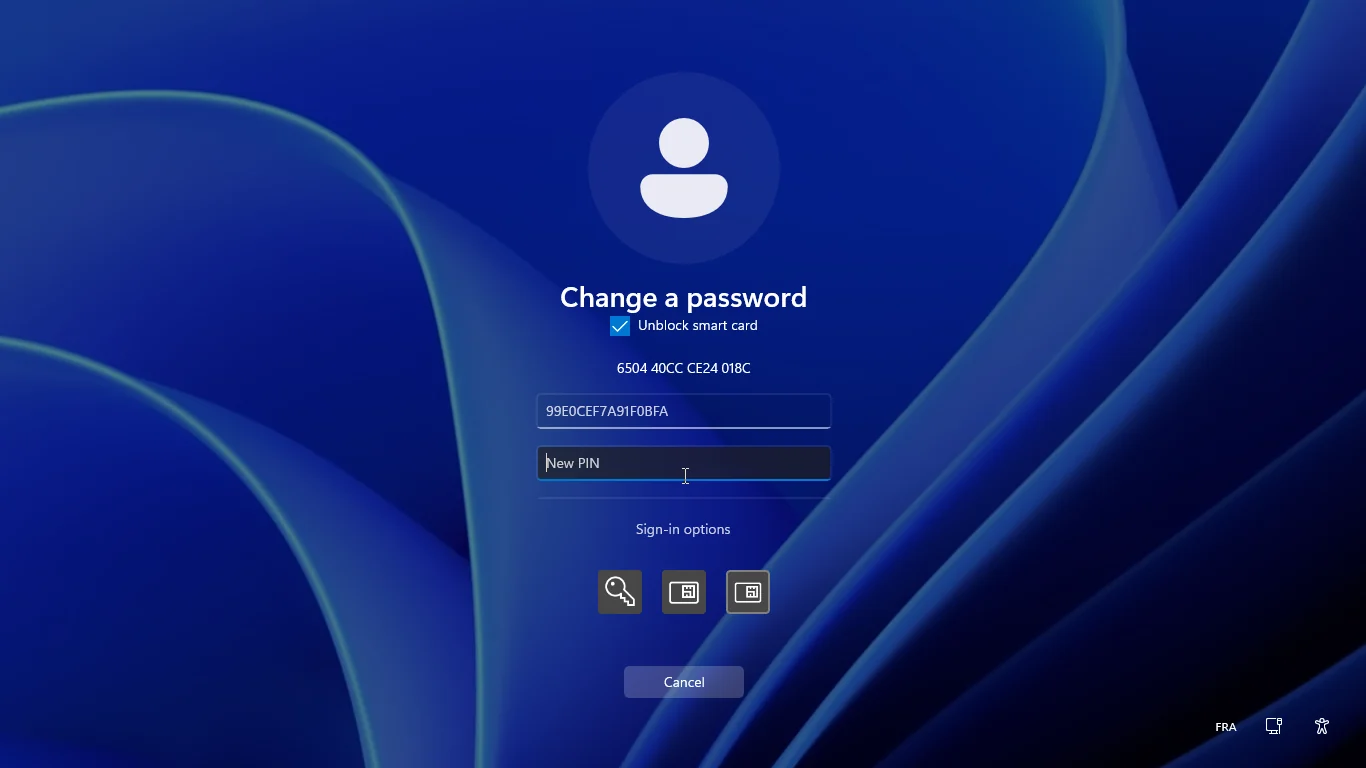
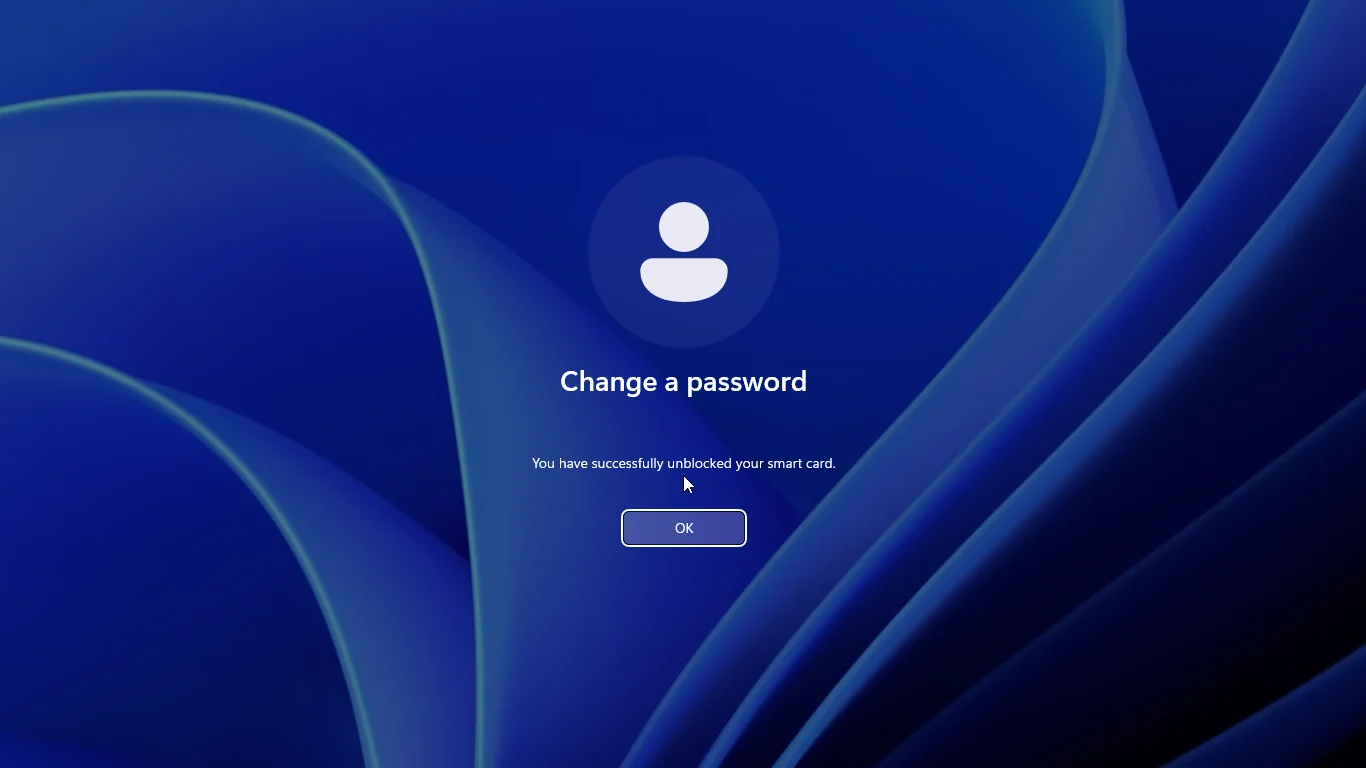
The same card, set up on Windows, on Ubuntu 24.04:
- Sign in to the desktop with the card and its PIN (GDM and SSSD)
- OpenSC reads the certificate created by Windows
- SSH with the key of the card
- Change the PIN from Linux
OpenSC recognizes GIDS cards natively: no configuration, the card is a PKCS#11 token for SSH, Firefox, OpenSSL or any PKCS#11 application, and SSSD uses it for the logon of local or directory accounts. The output below comes from the card of the videos — Ubuntu 24.04, OpenSC 0.25:
$ pkcs15-tool -D
PKCS#15 Card [GIDS card]:
	Version        : 2
	Manufacturer ID: www.mysmartlogon.com
PIN [UserPIN]
	Flags          : [0x12], local, initialized
	Tries left     : 3
Private RSA Key [32c092ab-53bb-45e8-9285-0c757c37b0fb]
	Usage          : [0x06], decrypt, sign
	Access Flags   : [0x1D], sensitive, alwaysSensitive, neverExtract, local
	ModLength      : 2048
X.509 Certificate [32c092ab-53bb-45e8-9285-0c757c37b0fb]

$ ssh-keygen -D /usr/lib/x86_64-linux-gnu/opensc-pkcs11.so
ssh-rsa AAAAB3NzaC1yc2EAAAADAQABAAABAQDR02nc/AIytXWDrAEIndxsqoTIN6xMXbjLAC/7H4Ws...

$ ssh -I /usr/lib/x86_64-linux-gnu/opensc-pkcs11.so server
Enter PIN for 'GIDS card (UserPIN)':
signed in on server as adiant with the GIDS card
Writing works from Linux as well: a key pair generated with pkcs11-tool --keypairgen --key-type rsa:2048 is listed by Windows (certutil -key -csp "Microsoft Smart Card Key Storage Provider") next to the one Windows generated.
Commands for initialization, enrollment, PFX import, PIN change, unblock and the Linux logon configuration: see the GIDS how-to guide.
gids-tool --initialize on Linux and macOS. Keep the admin key.Card
- JavaCard 2.2.1 or later, with GlobalPlatform card manager keys to load the applet — see the tested cards
requestObjectDeletion()recommended, to free the memory of deleted files- No PIV applet on the same card: Windows and OpenSC select PIV first
Computer
- Windows 7 SP1 / Server 2008 R2 or later; PFX import from Windows 10
- Linux, macOS: OpenSC
- RSA 1024 and 2048 with the Windows driver
- Any CCID smart card reader
Calais registry key — delete that entry or change the ATR to resolve conflicts. On x64 systems, the entry exists in both the normal and the Wow64 registry nodes.